
Start with a world rule that changes the character’s immediate options. Soulkyn’s WRL guide describes world files as context overlays and notes an account requirement for context linking. Verify the current requirement and use a small scene to inspect the setting before beginning a long thread.
Put the rule where it affects a decision
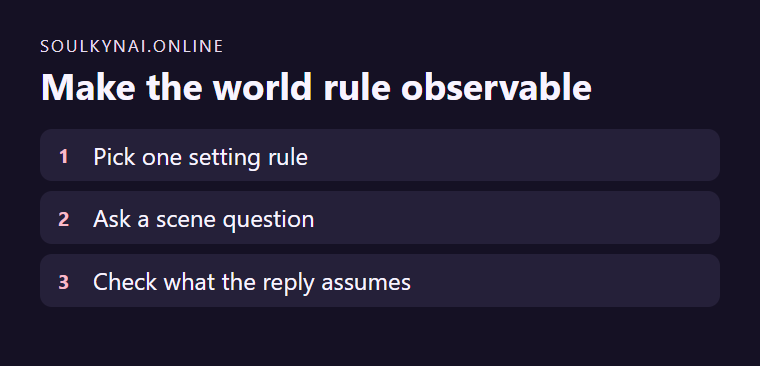
In an original river town scene, the ferry can depart only during the day. Two adult characters arrive after sunset. Ask what route remains open. A reply that suggests crossing by the bridge follows the rule. A reply that assumes a night ferry gives you a specific assumption to check.
Write the rule in the world description and the time of arrival in the scene. Giving each fact a place makes it easier to check them separately. Record which world file you selected. Soulkyn’s guide says it stays attached until you eject or replace it and describes an exception for layerable worlds.
Verify what you changed before changing the rest
If the setting is wrong, identify the active world and ask the simple question again. A behavior modifier serves a different role. Keep the character’s voice unchanged while checking the world rule so you can compare the two responses.
Save the accepted setting and one useful rule outside the thread if you want to revisit them. Begin the longer conversation once you have an opening that follows the setting you chose.